Appearance
Reserves
Reserves shows the players who are not on your active roster: those on injured reserve and those on the practice squad.
How to get here
- Open the My club group in the navigation.
- Select Reserves.
What you see
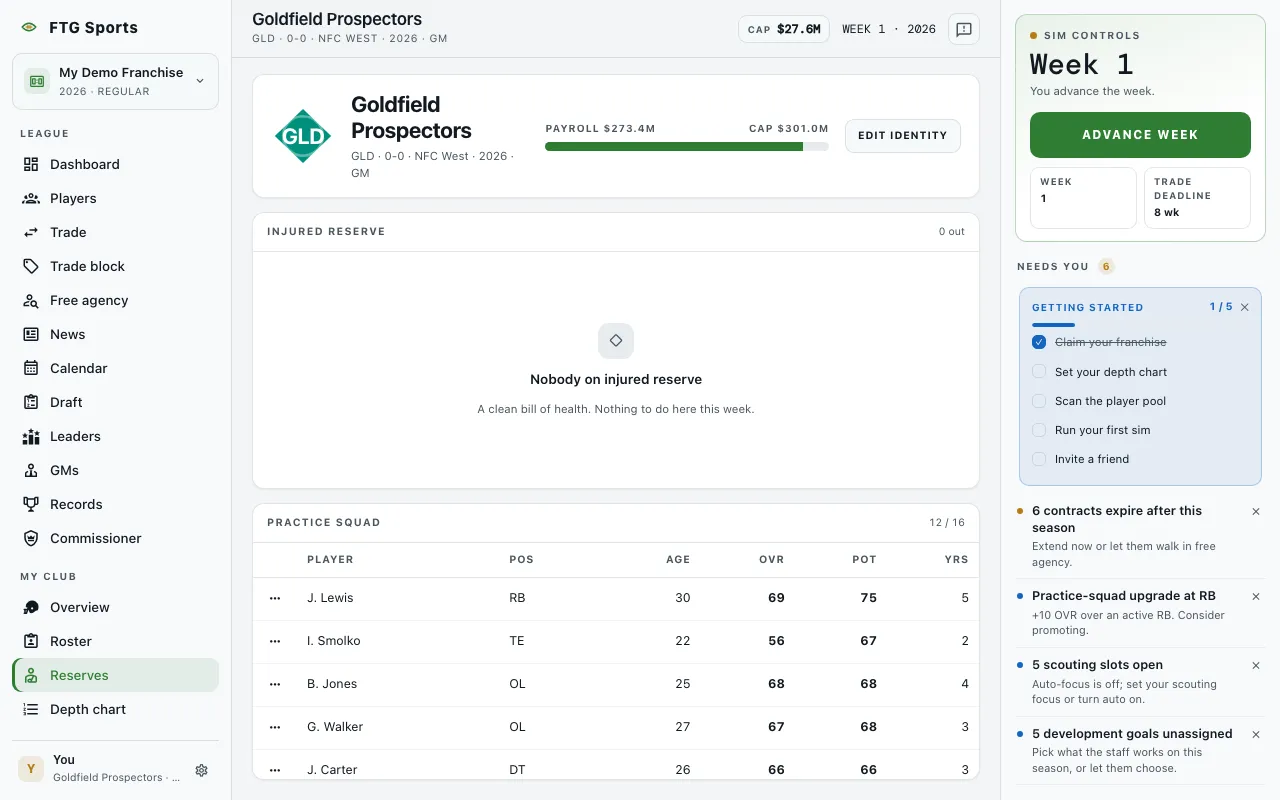
- Injured reserve: a header such as "2 out" counts the players. The table lists Player, Pos, Status, Back, Age and OVR. Status is the injury type. Back is the expected return week. Cap hit appears when money is on. When nobody is hurt, the pane says so.
- Practice squad: a header shows the count against the limit of 16. The table lists Player, Pos, Age, OVR, Pot and Yrs. When it is empty, the pane suggests you demote someone or sign a free agent to develop.
Click a column title in either table to sort.
What you can do
- Row menu (the dots at the start of each row): opens the actions for that player.
- View player: opens the player page.
- Promote to active: practice squad only. Moves the player to your active roster.
- Cut player: releases the player, from either table. The game asks you to confirm.
Injured reserve rows offer no promote action here. A player on injured reserve does not count against your active limit.