Appearance
All-Pro
All-Pro shows the best player at each position, in two boards: the All-Pro teams voted at the end of the season, and the All-Stars picked at the halfway mark.
How to get here
- Open the League group in the left menu.
- Select Records, then All-Pro.
What you see
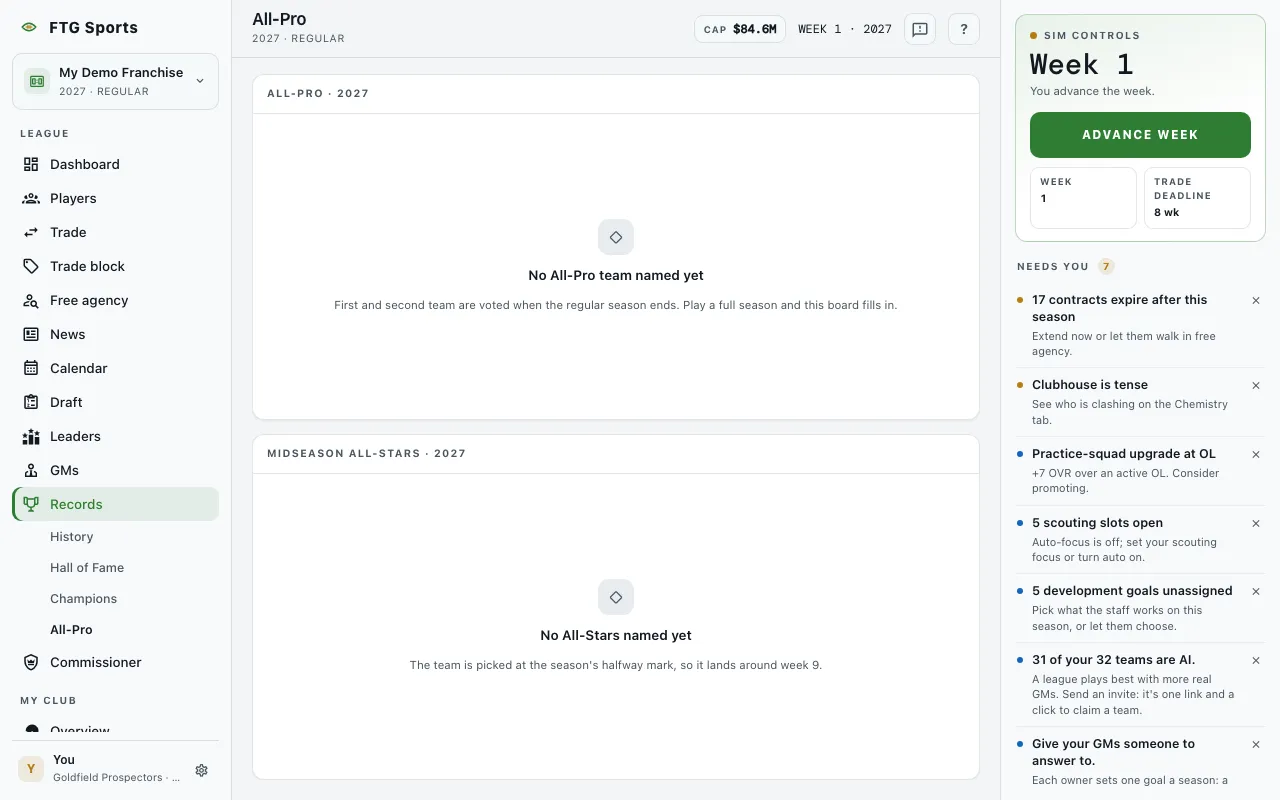 The screen has two panes, with one row for each position.
- All-Pro (the pane title adds the season) has the columns Pos, First team and Second team. Each cell shows the player's name and club. A dash means nobody holds that spot.
- Midseason All-Stars (the pane title adds the season) has the columns Pos and All-Star, with the same name and club cells.
In a league that shows money, both panes also have a Tag value column with the franchise-tag price for that position.
Both panes are empty in a new league, and each says when it fills:
- No All-Pro team named yet: the first and second teams are voted when the regular season ends. The Past All-Pro teams button opens the Awards tab of League history, where earlier teams sit. In a brand-new league with no season yet, the message says to play a full season instead.
- No All-Stars named yet: the team is picked at the season's halfway mark, so it lands around week 9.
What you can do
- Column headers: select one to sort the rows. Sort by Tag value to see which position costs the most.
- Player name: opens that player's page.
- Club name: opens that club's page.
- Retry: appears if the boards fail to load.