Appearance
Owner's box
The owner's box shows the goals your owner set for this season, your progress on each, and where you stand with the owner.
The rail shows this screen only when the league has owner goals turned on. If you see no Owner's box entry, the commissioner has not turned them on.
How to get here
- Open your league.
- In the left rail, under My club, click Owner's box. The entry is hidden when owner goals are off.
What you see
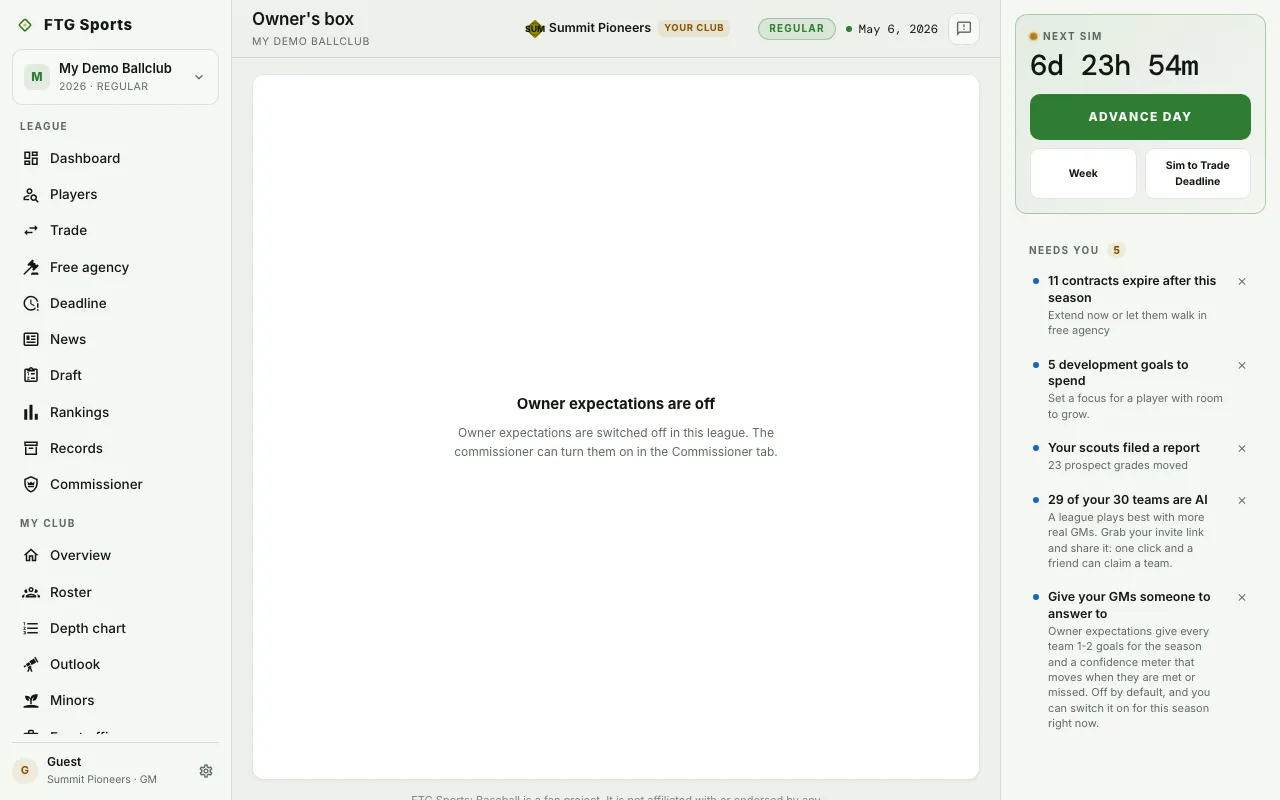 This screenshot shows owner goals switched off. It was taken in a demo league.
- Owner card: the owner's name, a line about the owner, and a standing chip with your record behind it. Some leagues show an Owner confidence meter out of 100 instead.
- Goals for this season: a block for each goal with a status mark, the current figure against the target, and a progress bar. A notch on the bar marks where a club exactly on pace would be today. A goal made of two halves shows both, and you must meet both.
- From the owner: a quote, a note on what is at stake, and a ledger with Season, Owner record and Backing.
Other states: with owner goals off, the page says the commissioner can turn them on in the Commissioner tab. On an AI-run club, it says nobody answers to its owner. With no goals posted, it says so.
What you can do
- See every farm system: on a farm goal, open the league farm rankings.
- See the standings: on a wins goal, open the league dashboard.
- Try again: reload the page if it fails to load.
- Hover a status mark: see what the state means.