Appearance
GMs
This screen ranks the GMs in your league by how well their roster decisions have paid off. Use it to see where you stand against the other managers.
How to get here
- Open the League group in the navigation.
- Open Rankings.
- Click GMs.
What you see
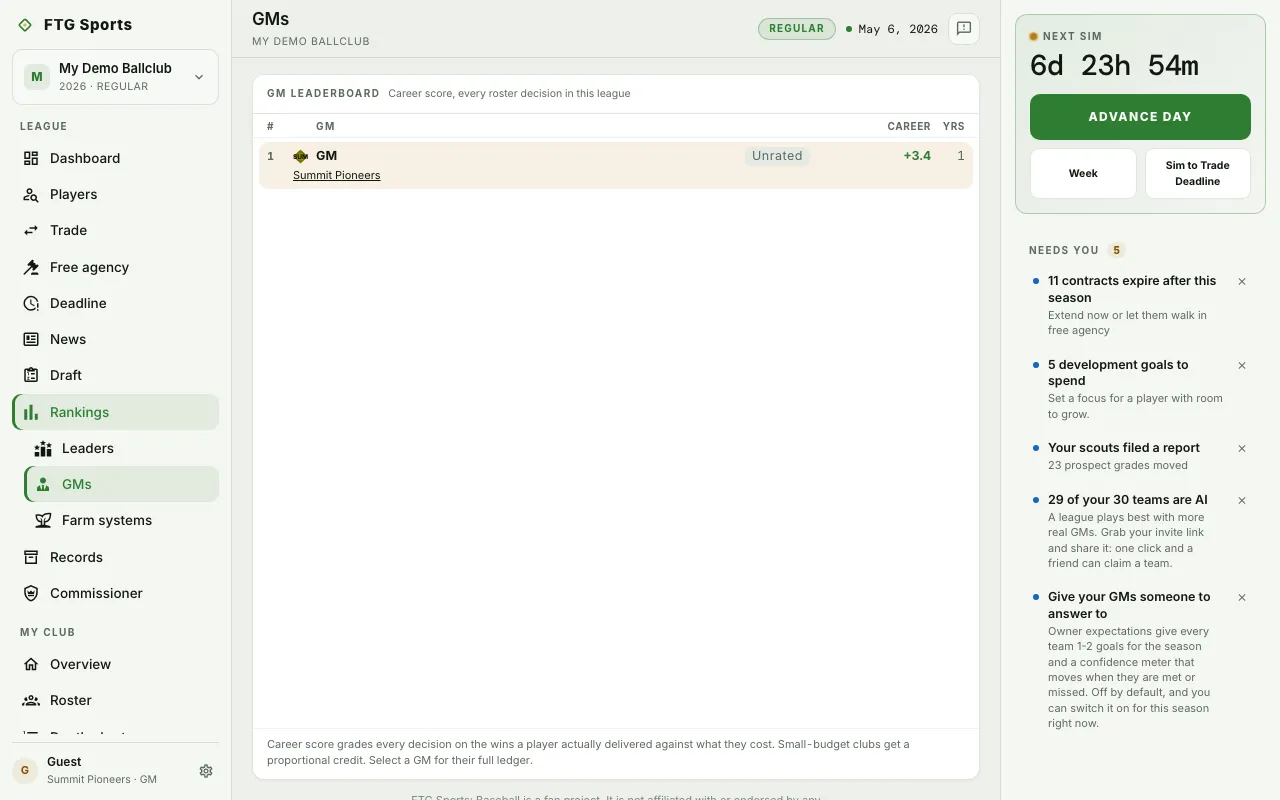 The screen is one board titled GM leaderboard, with the line "Career score, every roster decision in this league." Each row is one GM:
- Rank and the GM's name, with their club linked underneath.
- A tier badge. A GM with too few scored decisions shows Unrated instead.
- Career: the GM's career score, with a plus sign when positive.
- Yrs: the number of seasons behind that score.
- Goals: appears once at least one GM has met an owner goal. It counts the goals each GM has met.
- Peak10: appears once at least one GM has played more than one season.
Your own row is marked as yours. A note under the board says the score grades each decision on the wins a player delivered against what the player cost, and that small-budget clubs get a proportional credit. If there are no scores yet, the board says scores build as GMs sign, trade, draft and release players.
What you can do
- Click a GM row: opens that GM's card with their full ledger.
- Click a club name: opens that club's page.